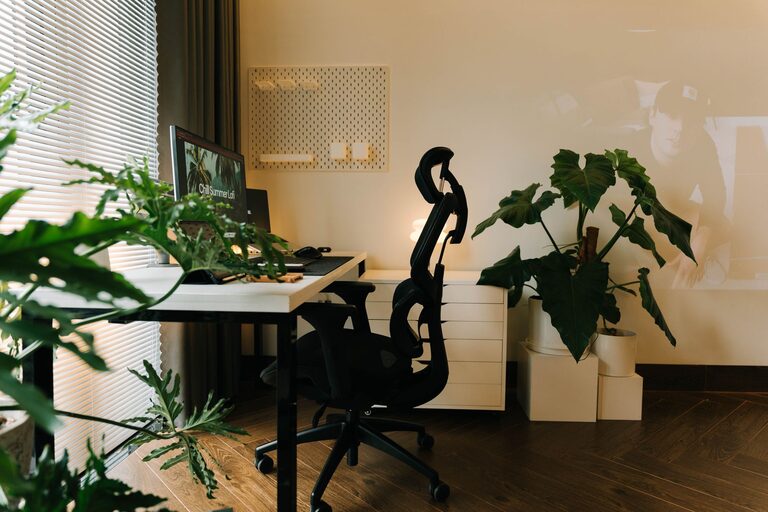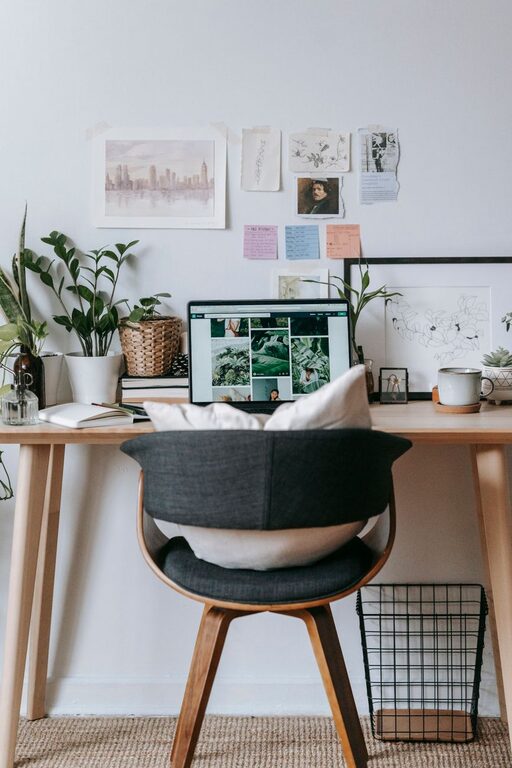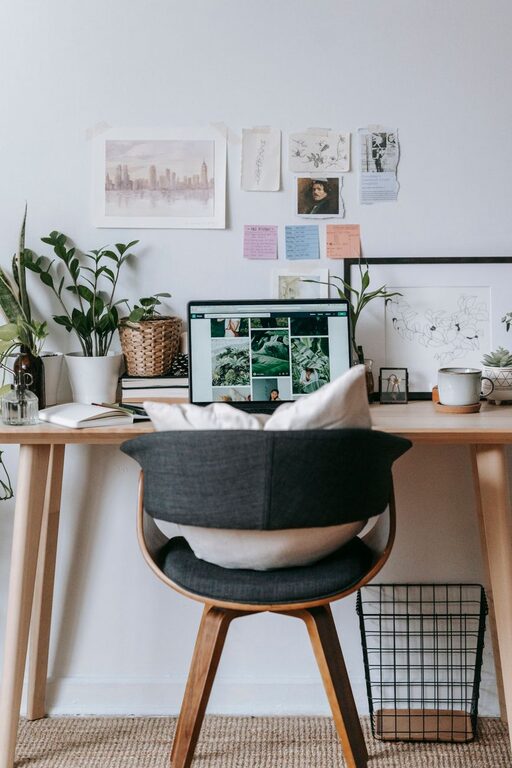
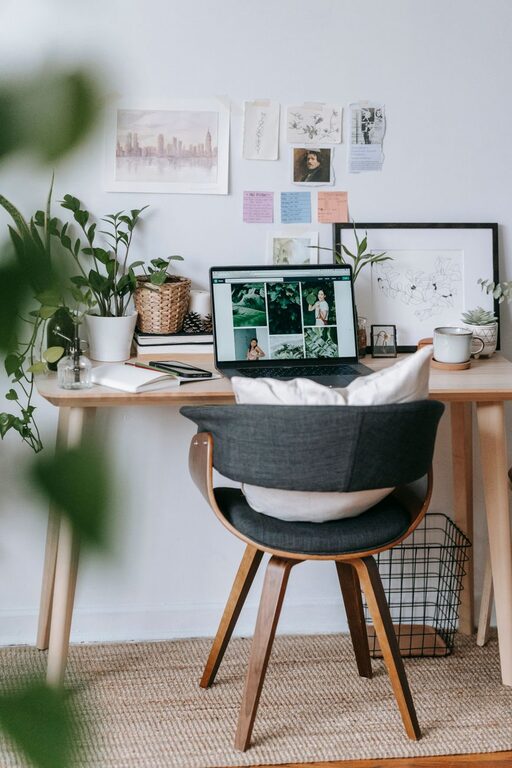
Creating a home office that is both cozy and productive can significantly improve your work-from-home experience. Whether you’re setting up a new space or refreshing an existing one, combining comfort with functionality is key. In this post, we’ll explore practical tips to help you design a home office that inspires focus while keeping you comfortable throughout the day.
Choose the Right Location
Selecting the right spot for your home office is the foundation of creating a productive workspace.
– Natural Light: Position your desk near a window if possible. Natural light boosts mood and energy.
– Quiet Area: Choose a quiet corner or room to minimize distractions.
– Space Considerations: Ensure there’s enough room for your desk, chair, and storage, plus some walking space.
Invest in Comfortable Furniture
Comfort impacts productivity more than many realize. Here are some essentials:
– Ergonomic Chair: Pick a chair with adjustable height and lumbar support to maintain good posture.
– Desk Height: Use a desk or adjustable table that fits your working style and body measurements.
– Footrest: If your feet don’t comfortably reach the floor, a footrest can ease pressure on your legs.
Personalize Your Workspace
Adding personal touches enhances comfort and motivation.
– Decor Elements: Include items like plants, artwork, or family photos to create a welcoming atmosphere.
– Color Scheme: Choose calming colors such as soft blues or greens to reduce stress, or energizing colors like yellows to boost creativity.
– Lighting: Use a combination of natural, ambient, and task lighting. A desk lamp with adjustable brightness is great for focused work.
Organize Efficiently
A cluttered space can disrupt focus. Adopt easy storage solutions:
– Shelves and Cabinets: Use wall shelves or filing cabinets to keep documents and supplies organized.
– Desk Organizers: Trays, pen holders, and drawer dividers help keep your desktop tidy.
– Digitize Documents: Reduce paper clutter by scanning important files and storing them digitally.
Manage Technology and Cables
Technology is the backbone of a home office, so ensure it supports your workflow.
– Reliable Internet: Invest in a strong, stable internet connection.
– Device Placement: Arrange your computer, printer, and other devices ergonomically.
– Cable Management: Use clips, sleeves, or cable boxes to keep cords untangled and out of the way.
Incorporate Break and Comfort Zones
Prevent burnout by including elements that encourage regular breaks.
– Comfortable Seating: A small armchair or a cushioned bench offers a spot to read or relax.
– Water and Snacks: Keep a water bottle and healthy snacks nearby to stay hydrated and energized.
– Stretch Area: Allow space for stretching or light exercise.
Use Productivity Tools and Techniques
Enhance your work habits and keep distractions at bay.
– Timer Methods: Techniques like the Pomodoro method (working in focused intervals with breaks) can improve efficiency.
– Task Management Apps: Use apps to organize tasks and deadlines.
– Noise Control: Use noise-canceling headphones or ambient sound apps to create a focused environment.
Maintain a Healthy Work-Life Balance
Since your home office is also your living space, maintaining boundaries helps.
– Set Clear Hours: Define start and end times to prevent overworking.
– Close the Door: If possible, physically separate your workspace when you’re done.
– Dress for Work: Changing into work clothes can mentally prepare you for the day.
Final Thoughts
Designing a cozy and productive home office is about balancing comfort with organization and technology. By thoughtfully choosing your location, investing in ergonomic furniture, personalizing your space, and maintaining organization, you create an environment where focus and creativity can thrive. Remember, small changes can make a big difference in how you feel and perform during your workday.
Enjoy the process of creating your ideal home office—it’s an investment in your comfort and success!
About the Author