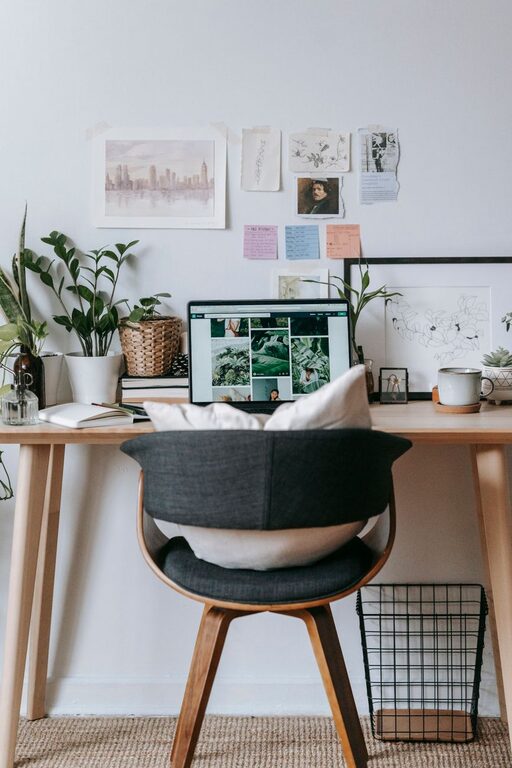
Creating a home office that is both cozy and functional can significantly improve your work-from-home experience. A well-designed workspace helps boost focus, creativity, and comfort, making your workday more enjoyable. Whether you have a dedicated room or just a corner in the living room, these tips will guide you in setting up a home office that balances comfort and efficiency.
Choose the Right Location
Selecting the best spot for your home office is the first step. Ideally, choose an area with good natural light and minimal distractions. If possible, avoid high-traffic zones where noise and interruptions are frequent.
Consider These Location Tips:
– Near a window for natural light and a view.
– Away from noisy appliances or family areas.
– Close to power outlets and internet access.
Invest in a Comfortable Chair and Desk
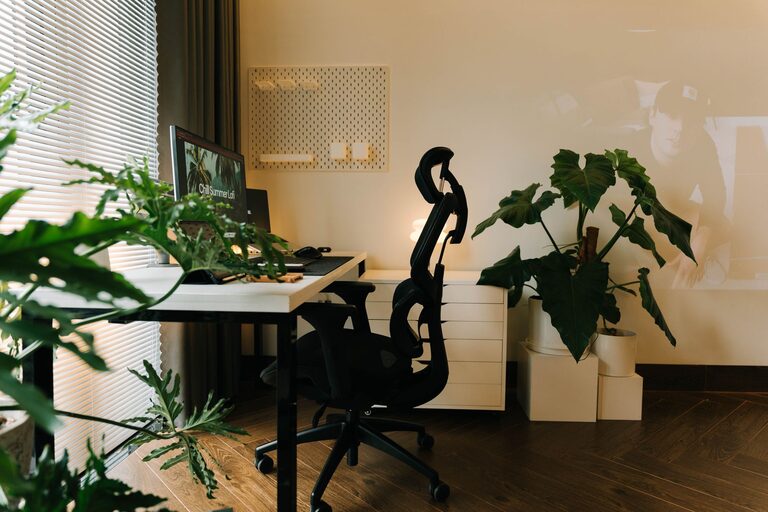
Ergonomics are essential for long hours of work. A comfortable chair with good lumbar support reduces back strain and improves posture. Pair it with a desk at the right height to keep your wrists and forearms in a natural position.
What to Look For:
– Adjustable chair height and backrest.
– A sturdy desk with enough space for essentials.
– Consider standing desks or desk converters to alternate positions.
Optimize Lighting
Proper lighting reduces eye strain and improves mood. Natural light is best, but you’ll also want layered lighting options such as task lamps and ambient lighting.
Lighting Suggestions:
– Position your desk perpendicular to windows to avoid glare.
– Use adjustable desk lamps for focused lighting.
– Add soft ambient lights or smart bulbs that you can dim.
Organize for Efficiency
A cluttered workspace can hinder productivity. Keeping your office organized with storage solutions helps maintain focus and keeps essentials within reach.
Tips for Organization:
– Use shelves, filing cabinets, or storage boxes to store documents.
– Keep frequently used items on your desk, but avoid overcrowding.
– Cable management tools to keep cords neat and out of the way.
Personalize Your Space
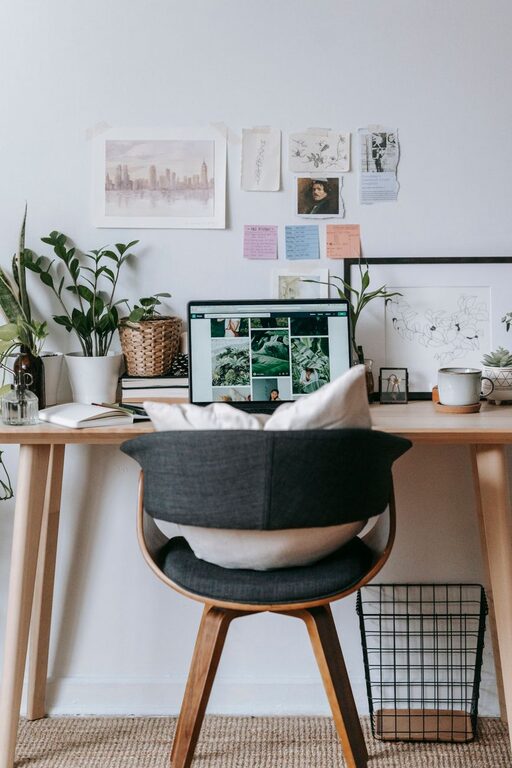
Adding personal touches makes your office inviting and motivates you to spend time there. Choose décor that reflects your style but doesn’t distract.
Ideas to Personalize:
– Add plants for a touch of greenery and improved air quality.
– Hang artwork or motivational quotes.
– Use colorful stationery or desk accessories.
Create Zones for Different Tasks
If space allows, divide your home office into zones for different activities, such as computer work, reading, or brainstorming.
How to Set Up Zones:
– A main desk area for computer work.
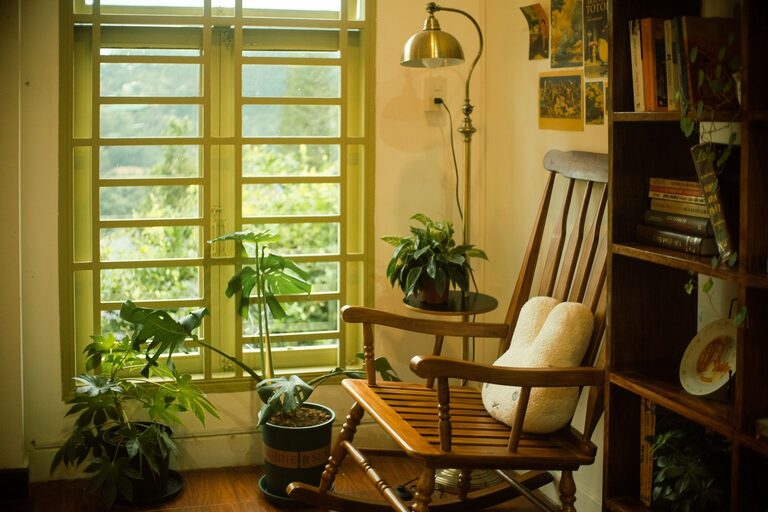
– A cozy corner with a chair and small table for reading.
– A whiteboard or corkboard wall for notes and ideas.
Minimize Noise Distractions
To stay focused, reduce noise whenever possible. If external noise is unavoidable, consider solutions that block or absorb sound.
Noise Control Tips:
– Use noise-cancelling headphones.
– Add rugs or curtains to absorb sound.
– Place bookshelves or room dividers to dampen noise.
Keep a Healthy Environment
Your home office should support not just productivity but also your physical well-being.
Ways to Improve Your Environment:
– Ensure proper ventilation.
– Keep water or a reusable bottle nearby.
– Take regular breaks to stretch and rest your eyes.
Maintain a Daily Routine
Even the best office won’t boost productivity unless you have a structured work routine. Set regular work hours and take breaks to maintain work-life balance.
Routine Tips:
– Start your day with a quick tidying of your desk.
– Use timers or apps for work sessions and breaks.
– End your day by shutting down your computer and clearing your workspace.
—
By following these tips, you can create a home office that feels like your own productive sanctuary. A cozy yet functional space results in better focus and a more enjoyable work-from-home experience. Take your time to experiment with your setup until it feels just right!
About the Author